
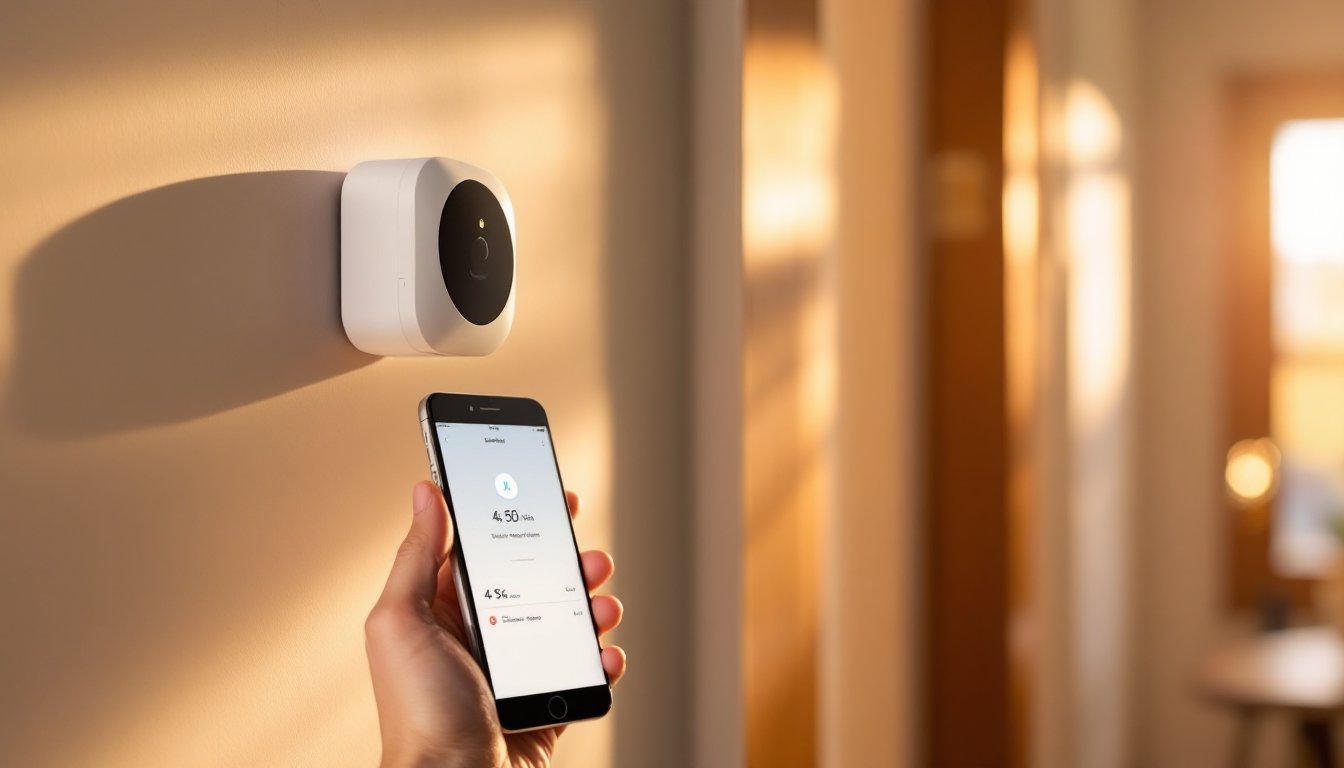
SimpliSafe motion sensors are the backbone of any modern DIY home security setup, acting as the eyes that detect movement around your property. Whether you’re protecting a front door, basement, or backyard, these wireless devices offer a straightforward way to add intrusion detection without hiring an installer or running cables through walls. This guide walks you through how motion sensors work, what types suit different spaces, and how to install and position them for maximum coverage.
Table of Contents
ToggleKey Takeaways
- SimpliSafe motion sensors use passive infrared (PIR) technology to detect movement and send encrypted wireless alerts to your hub without requiring cables or professional installation.
- Proper placement at entry points, corners, and high-traffic areas at 5–6 feet height maximizes detection coverage while layering multiple sensors prevents blind spots in larger homes.
- Pet immunity features on SimpliSafe motion sensors ignore animals under 40–50 pounds, reducing false alarms while maintaining reliable intruder detection.
- Wireless setup takes only 5–10 minutes per device with no special tools needed, and batteries typically last 12–18 months with app notifications when levels drop.
- SimpliSafe motion sensors integrate with smart home systems like Alexa, Google Home, and HomeKit, enabling voice control and automated triggers like lights or door unlocks.
- Avoid placing sensors directly above doors, in front of windows, or near heat sources and moving objects to prevent false alarms and ensure consistent performance.
What Is a SimpliSafe Motion Sensor and How Does It Work
A SimpliSafe motion sensor is a wireless battery-powered device that detects movement within a designated area and alerts your security system. When triggered, it sends a signal to your SimpliSafe hub, which can then activate an alarm, send notifications to your phone, or log the event for your records.
Most SimpliSafe motion sensors use passive infrared (PIR) technology, which detects the heat signature of moving objects. When someone walks past the sensor, the change in infrared radiation triggers the device. This is why they’re effective indoors and outdoors, they don’t rely on line-of-sight like older motion detector types.
The sensor connects to your SimpliSafe system via a secure, encrypted wireless signal. Unlike wired sensors, there’s no need to run cables or punch holes in drywall. The device runs on standard AA or AAA batteries, typically lasting 12–18 months depending on activity level and temperature.
One practical advantage: PIR sensors have a built-in pet immunity feature that ignores motion from animals under a certain weight threshold (usually 40–50 pounds). This prevents false alarms when your dog or cat moves through the monitored space. But, pet immunity isn’t foolproof, larger animals or multiple pets can still trigger alerts.
Key Features and Sensor Types to Consider for Your Home
SimpliSafe offers several motion sensor models, each with slightly different capabilities and ranges.
Standard Indoor Motion Sensors cover a range of about 30 feet and work well for living rooms, hallways, and bedrooms. They’re compact, unobtrusive, and battery life is solid. These are ideal if you’re starting with a basic system or protecting high-traffic areas inside your home.
Outdoor Motion Sensors are weatherproof and built to handle temperature fluctuations, rain, and direct sun. They typically have a longer detection range (up to 40–50 feet depending on the model) and are designed to mount on exterior walls, garage exteriors, or fence lines. The housing is more rugged, and the lens is optimized for outdoor lighting conditions.
Glass Break Sensors (often bundled with motion detection) respond to the specific frequency of breaking glass rather than general movement. These are useful for ground-floor windows or areas where you want layered detection.
Wireless vs. Wired Installation Options
Simplisafe sensors are wireless by default, they communicate with the hub via radio frequency and don’t require any hardwiring. The main advantage is speed and simplicity: you unbox, insert batteries, pair with the hub via the app, and mount on a wall. No drilling, no running cables, no permits required for the sensor itself.
Wired sensors existed in older security systems but SimpliSafe has phased them out in favor of wireless technology. If you’re upgrading from a legacy wired system, the shift to wireless is one of the biggest labor-saving changes you’ll experience.
The trade-off is battery management. You’ll need to replace batteries periodically and keep track of low-battery alerts. But, most users find this minor inconvenience worth the installation flexibility. Modern SimpliSafe sensors also send notifications when battery levels drop, so you’re never caught off-guard.
Wireless sensors also give you flexibility to relocate or add new ones without any structural changes, important if you move, renovate, or decide a room’s security needs have changed.
Installation and Setup for Homeowners
Setting up a SimpliSafe motion sensor takes about 5–10 minutes per device and requires no special tools beyond a screwdriver.
Installation Steps:
- Download or open the SimpliSafe mobile app and log into your account.
- Remove the battery pull-tab from the sensor (a small plastic strip blocking the battery).
- In the app, navigate to “Add Device” or “Add Sensor” and select Motion Sensor.
- Follow the pairing prompt, the sensor will emit a tone or LED flash when successfully paired.
- Screw the sensor to a wall at 5–6 feet height using the included bracket and screws. A standard screwdriver works fine: no anchors are needed if you’re drilling into a stud.
- Adjust the sensor angle so the lens points toward the area you want to monitor. Most brackets allow 45–90 degrees of tilt.
Tips for Success:
Test the sensor before finalizing placement. Walk past it and check the app to confirm detection. Wait at least 30 seconds between triggers, sensors have a brief cooldown period to avoid false alerts from a single motion event.
Don’t place the sensor directly above heat sources like vents or radiators, as hot air can cause false triggers. Similarly, keep sensors away from windows with direct sunlight, which can confuse the lens.
Battery installation is straightforward: pop the battery cover and insert fresh AA batteries (most models use two). The sensor will indicate a low-battery alert in the app when levels drop to around 20%.
There’s no permit required for adding wireless motion sensors to your home, they’re entirely non-invasive and don’t involve any structural work.
Optimal Placement Strategies for Maximum Coverage
Where you place motion sensors can mean the difference between solid protection and frustrating blind spots.
Entry Points: Place sensors near doors and windows where an intruder would first enter. A sensor 5–6 feet high pointing down the hallway or across a doorway will catch movement immediately. Avoid placing the sensor directly above a door, the angle makes detection less reliable.
Corner Placement: Positioning a sensor in a room corner gives you the widest field of view and covers multiple access points. Corners at 5–6 feet height provide optimal angles for detecting human-height movement.
Hallways and Stairwells: Mount sensors to cover long hallways or stairwells at a point where anyone passing through must come into range. For stairs, a sensor at the top or bottom landing works better than the middle.
Outdoor Coverage: Exterior sensors should point toward common approach routes, side yards, patio areas, or the back door. Mount them 5–7 feet high on the wall and angle them slightly downward. A sensor covering a driveway should point across the approach path, not directly down at it. Recent reviews of SimpliSafe motion sensors note that proper positioning improves detection reliability.
Multi-Sensor Setups: In larger homes, don’t try to cover everything with one sensor. A 30–50 foot range sounds good until you realize it doesn’t bend around walls or see through furniture. Layer sensors in different rooms for comprehensive coverage. An upstairs hallway sensor plus a downstairs living room sensor creates overlapping protection zones.
Avoid These Placements:
- Directly in front of windows (glare and temperature swings cause false alarms)
- Above heating vents or AC returns
- Pointing at curtains or curtain rods (moving fabric triggers alerts)
- In corners where vibration from doors can jar the sensor
Test coverage after installation by walking the perimeter and checking app notifications. Adjust angles as needed. The goal is consistent detection without false alarms.
Integration with Your SimpliSafe System and Smart Home
Once your motion sensors are paired to the hub, they integrate seamlessly with your SimpliSafe monitoring service and can also connect to broader smart home ecosystems.
SimpliSafe Integration: Motion sensors feed into your system’s automation rules. You can set triggers like “alert me if motion is detected while I’m away” or “unlock the front door automatically when motion is detected in the entry.” The hub logs all sensor activity, giving you a timestamped history useful for review or insurance claims.
Smart Home Connectivity: SimpliSafe systems work with Amazon Alexa, Google Home, and Apple HomeKit (on newer systems). This means you can voice-control arming/disarming or ask your smart speaker for system status. Some automations let motion detection trigger smart lights to turn on, useful for exterior sensors that activate outdoor lighting when someone approaches.
App and Notifications: The SimpliSafe app sends real-time push notifications when sensors trigger. You can customize notification frequency (alert on every motion or only during armed modes) and set quiet hours to prevent notifications during sleeping times.
Layered Automation: Combine multiple sensors with other devices. For example, motion in the garage could unlock the garage door and turn on lights simultaneously. Independent motion sensor reviews highlight SimpliSafe’s flexibility in linking sensors to other smart home devices.
Pet Immunity and Sensitivity Adjustment: Most SimpliSafe sensors allow you to enable pet immunity or adjust sensitivity through the app. If you’re getting false alarms from ceiling fans or moving plants, sensitivity adjustment can help. Technical guides on SimpliSafe sensor features show these settings are user-friendly and require no reinstallation.
Conclusion
SimpliSafe motion sensors deliver straightforward, wireless security detection without the complexity of wired systems or professional installation. Proper placement, layered coverage, and integration with your existing smart home setup create a cohesive security network. Start with entry points and high-traffic areas, test placement before committing, and adjust as your home’s needs evolve.